


























The growing adoption of CRM solutions reflects their increasing importance across industries. According to market research, the global Customer Relationship Management (CRM) market is projected to reach USD 320.99 billion by 2034, expanding at a CAGR of 12.40% during the forecast period. This remarkable growth is driven by rising demand for personalized customer experiences, workflow automation, AI-powered insights, and cloud-based business solutions.
While off-the-shelf CRM platforms offer standard features, they often lack the flexibility to support unique business processes, industry-specific requirements, and future scalability. A custom CRM solution, on the other hand, is designed around your organization's specific goals, enabling seamless integrations, enhanced security, improved operational efficiency, and better customer engagement.
However, achieving these benefits depends largely on selecting the right CRM development partner. An experienced custom CRM development company can transform your business requirements into a secure, scalable, and feature-rich CRM solution that delivers long-term value. In this comprehensive guide, we'll discuss how to hire the best custom CRM development company, the key factors to evaluate, CRM development costs, different types of CRM software, essential features, and everything else you need to make an informed decision.
Key Takeaways
- Custom CRM systems are built around your workflows, helping improve efficiency, productivity, and customer relationship management.
- Evaluate a CRM development company based on industry experience, technical expertise, customization capabilities, and security standards.
- CRM software costs depend on features, integrations, technology stack, deployment model, and business requirements, making proper planning essential.
- Operational, Analytical, Collaborative, and Strategic CRM systems each address specific aspects of customer management and business growth.
- Contact management, sales automation, AI-powered insights, mobile accessibility, and robust security are critical for maximizing CRM value.
- A scalable and future-ready CRM improves customer experiences, streamlines operations, and delivers a higher return on investment over time.
Understanding Custom CRM Development Company
A custom CRM development company specializes in designing, developing, and maintaining Customer Relationship Management (CRM) software tailored to the unique needs of a business. Unlike off-the-shelf CRM solutions that offer standardized features, custom CRM systems are built to match specific workflows, business processes, customer engagement strategies, and operational goals. This personalized approach enables organizations to improve efficiency, automate repetitive tasks, and manage customer interactions more effectively.
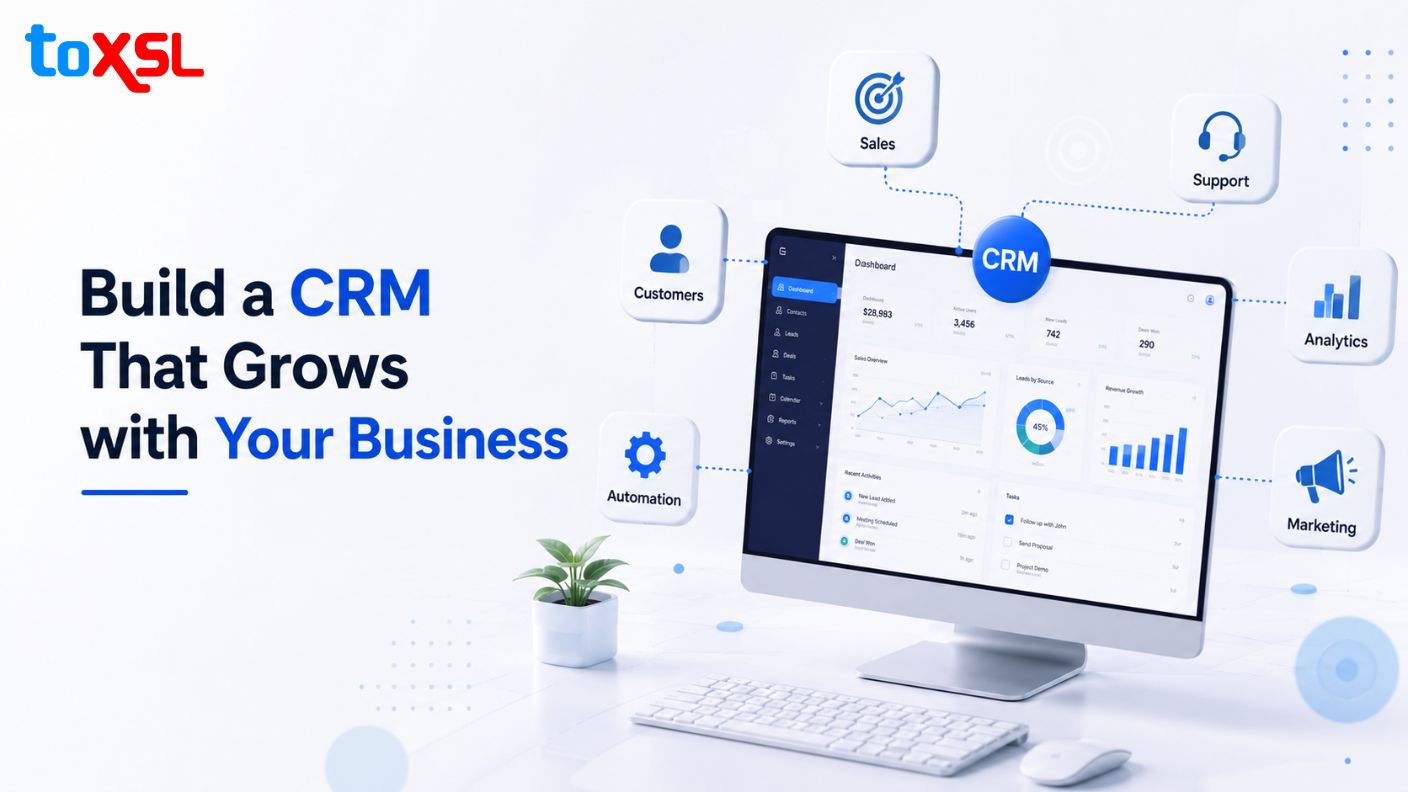
The development process typically begins with understanding the client's business requirements, industry challenges, and long-term objectives. Based on these insights, the company designs a CRM solution with customized features such as contact management, sales pipeline tracking, workflow automation, reporting dashboards, and third-party integrations. Modern CRM development companies also incorporate advanced technologies like artificial intelligence (AI), cloud computing, analytics, and mobile accessibility to enhance functionality and improve decision-making.
Beyond development, these companies provide services such as CRM migration, API integration, quality assurance, deployment, training, and ongoing maintenance to ensure the system remains secure, scalable, and up to date. A reliable custom mobile app development company also focuses on data security, regulatory compliance, and performance optimization, helping businesses protect sensitive customer information while supporting future growth. By delivering a custom CRM solution tailored to specific business requirements, these companies enable organizations to strengthen customer relationships, streamline operations, and gain a competitive advantage in today's rapidly evolving digital marketplace.
Key Factors to Consider When Choosing a CRM Development Company
Choosing the right CRM development company is essential for building a solution that aligns with your business goals and supports long-term growth. A reliable partner should offer technical expertise, industry knowledge, customization capabilities, and ongoing support to ensure your CRM delivers maximum value, security, scalability, and operational efficiency.
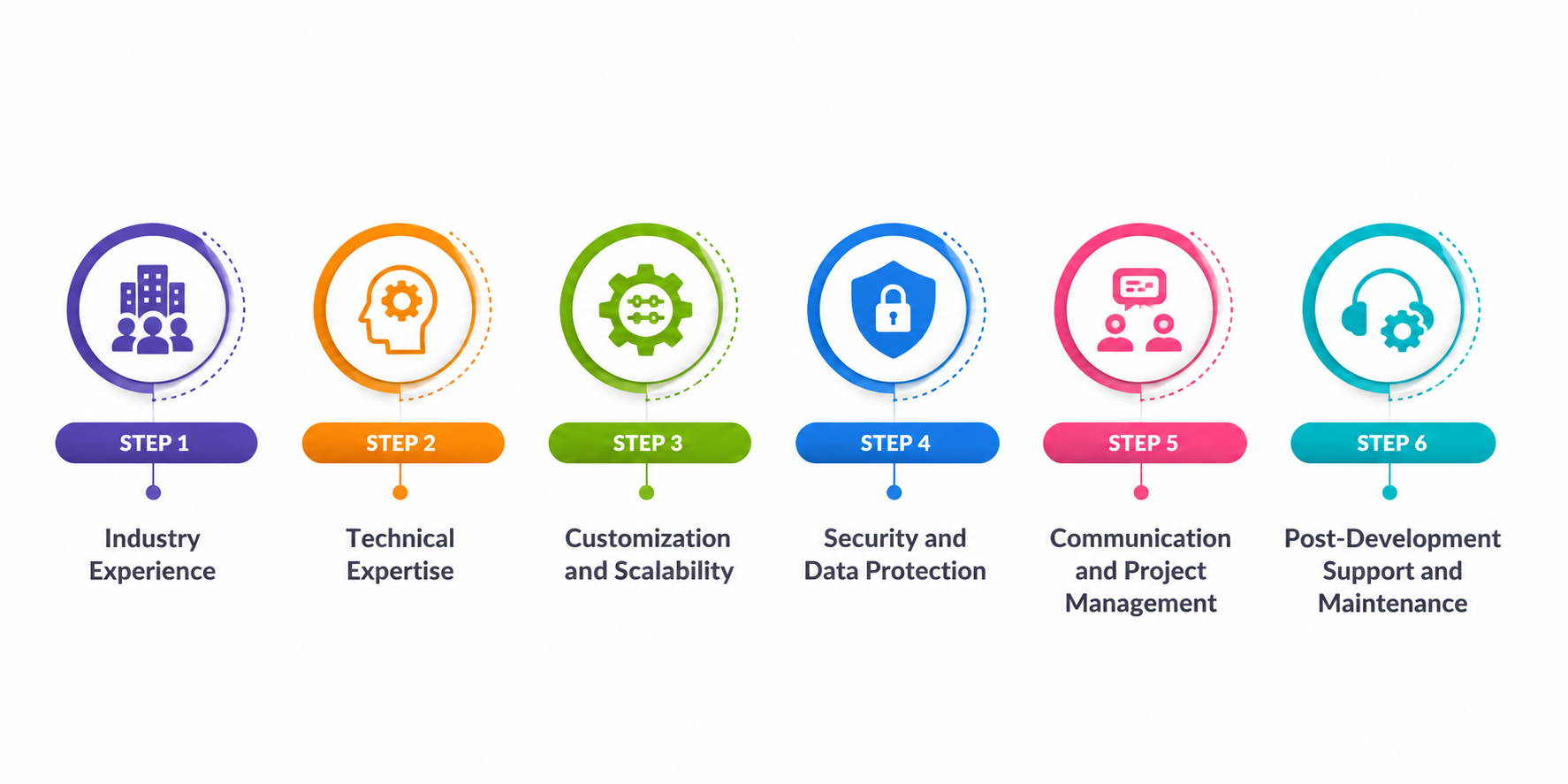
1. Industry Experience
A CRM development company with relevant industry experience understands sector-specific challenges, compliance requirements, and customer expectations. Their expertise enables them to recommend the right features, avoid common implementation issues, and build a CRM that aligns with your operational workflows and business objectives.
2. Technical Expertise
Technical proficiency is crucial for developing a secure, scalable, and future-ready CRM. The development team should be experienced in modern programming languages, cloud technologies, API integrations, AI capabilities, and database management to build a high-performing solution.
3. Customization and Scalability
Every business has unique processes that require tailored CRM functionality. Choose a company that offers complete customization and builds scalable solutions capable of supporting new features, users, and business growth without requiring major system redesigns.
4. Security and Data Protection
A CRM stores valuable customer and business data, making security a top priority. The development company should follow industry best practices for encryption, authentication, access control, compliance, and regular security testing to protect sensitive information.
5. Communication and Project Management
Clear communication and transparent project management help ensure successful custom CRM development. A reliable company provides regular progress updates, follows agile methodologies, addresses feedback promptly, and maintains collaboration throughout every stage of the project.
6. Post-Development Support and Maintenance
CRM development continues beyond deployment. Ongoing maintenance, performance monitoring, security updates, bug fixes, and feature enhancements ensure the system remains efficient, secure, and aligned with evolving business requirements over time.
CRM Software Development Cost
The cost of custom CRM software development varies depending on factors such as project complexity, feature requirements, integrations, technology stack, deployment model, UI/UX design, and development team expertise. Understanding these cost ranges helps businesses set realistic budgets and choose a CRM solution that aligns with their operational needs and long-term goals.
CRM Type | Estimated Development Cost | Development Timeline | Best For |
Basic CRM | $10,000 – $25,000 | 2–4 Months | Startups and small businesses needing core CRM functionality |
Standard CRM | $25,000 – $60,000 | 4–6 Months | Growing businesses requiring automation and third-party integrations |
Advanced CRM | $60,000 – $120,000 | 6–9 Months | Mid-sized enterprises with complex workflows and reporting needs |
Enterprise CRM | $120,000 – $250,000+ | 9–12+ Months | Large organizations requiring multi-user access, advanced security, and scalability |
AI-Powered CRM | $150,000 – $300,000+ | 10–14+ Months | Businesses seeking predictive analytics, AI automation, chatbots, and intelligent insights |
Types of Custom CRM Development Software
CRM software is available in different types, each designed to address specific business objectives and customer management needs. Understanding these CRM categories helps organizations choose the right solution for improving customer interactions, streamlining operations, enhancing collaboration, and making data-driven decisions that support long-term business growth.
CRM Type | Primary Purpose | Key Features | Best For |
Operational CRM | Automates day-to-day customer-facing processes | Sales automation, marketing automation, customer service, lead management, workflow automation | Businesses looking to improve operational efficiency and customer service |
Analytical CRM | Analyzes customer data to support informed decision-making | Customer analytics, reporting, predictive insights, sales forecasting, performance dashboards | Organizations that rely on data-driven strategies and business intelligence |
Collaborative CRM | Facilitates information sharing across teams and departments | Shared customer database, communication management, document sharing, team collaboration | Companies with multiple departments handling customer interactions |
Strategic CRM | Focuses on building long-term customer relationships and loyalty | Customer segmentation, personalized engagement, loyalty programs, customer retention strategies | Businesses aiming to improve customer satisfaction and maximize lifetime value |
Essential Features of a High-Quality Custom CRM System
A high-quality custom CRM system should simplify customer management, automate business processes, and provide actionable insights for better decision-making. By incorporating essential features, businesses can improve productivity, strengthen customer relationships, enhance collaboration, and build a scalable solution that supports long-term growth and evolving operational requirements.
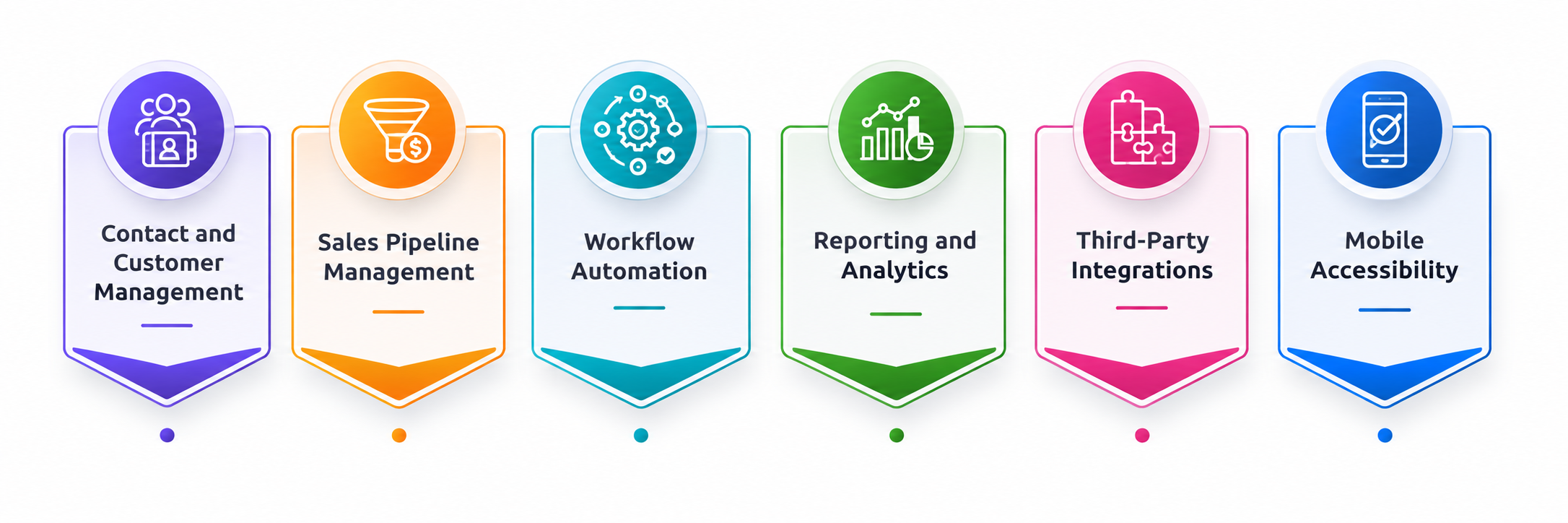
1. Contact and Customer Management
An effective CRM centralizes all customer information, including contact details, communication history, purchase records, and preferences. This allows teams to access accurate customer data quickly, personalize interactions, and deliver consistent experiences while maintaining stronger relationships throughout the customer lifecycle.
- Centralized customer database
- Complete interaction history
- Customer segmentation
- Quick search and data access
2. Sales Pipeline Management
Sales pipeline management enables businesses to monitor leads and opportunities throughout the sales cycle. It provides visibility into deal progress, helps sales teams prioritize prospects, improves forecasting accuracy, and increases conversion rates by streamlining the sales process.
- Lead tracking and management
- Opportunity monitoring
- Sales forecasting
- Pipeline visualization
3. Workflow Automation
Workflow automation reduces repetitive manual tasks by automatically assigning leads, sending follow-up emails, scheduling reminders, and triggering predefined actions. This improves operational efficiency, minimizes human errors, and allows employees to focus on higher-value business activities.
- Automated task assignments
- Email automation
- Workflow triggers
- Reminder and notification system
4. Reporting and Analytics
Comprehensive reporting and analytics provide real-time insights into sales performance, customer behavior, marketing effectiveness, and business operations. Interactive dashboards and customizable reports help organizations make informed decisions and identify opportunities for continuous improvement.
- Real-time dashboards
- Performance reports
- Sales and customer analytics
- Custom report generation
5. Third-Party Integrations
A custom CRM should integrate seamlessly with ERP systems, accounting software, email platforms, marketing automation tools, payment gateways, and communication applications. These integrations eliminate data silos and improve collaboration across the organization.
- API integrations
- ERP and accounting connectivity
- Marketing platform integration
- Payment gateway support
6. Mobile Accessibility
Mobile CRM enables employees to access customer information, update records, and manage sales activities from any location. This flexibility improves productivity for remote teams, field sales representatives, and customer support professionals who require real-time information.
- Mobile-friendly interface
- Remote data access
- Offline functionality
- Real-time synchronization
Conclusion
Choosing the right custom CRM development company is one of the most important decisions for businesses looking to strengthen customer relationships, streamline operations, and achieve sustainable growth. While a CRM system serves as the backbone of customer engagement, its true value depends on how well it aligns with your unique business processes, goals, and future expansion plans. Investing in a tailored CRM solution enables organizations to improve productivity, automate repetitive tasks, gain actionable insights, and deliver exceptional customer experiences.
At ToXSL Technologies, we understand that every business has distinct requirements, which is why we develop custom CRM solutions designed to address specific operational challenges and business objectives. Our experienced team combines industry expertise with modern technologies to build secure, scalable, and feature-rich CRM systems that integrate seamlessly with your existing business applications. From initial consultation and strategic planning to development, deployment, and ongoing support, we focus on delivering solutions that create measurable business value.
Partnering with ToXSL Technologies means gaining a trusted technology partner committed to your long-term success. Our goal is to help your organization build stronger customer relationships, improve operational efficiency, and stay ahead in an increasingly competitive digital landscape with a custom CRM solution that grows alongside your business. Contact us to learn more.
Frequently Asked Questions
1. Why should I choose a custom CRM over an off-the-shelf CRM?
A custom CRM is designed specifically for your business processes, offering greater flexibility, seamless integrations, enhanced security, and scalability. It eliminates unnecessary features while providing tailored functionality that improves efficiency, customer engagement, and long-term business growth.
- Tailored to your unique business workflows
- Supports seamless third-party integrations
- Scales easily as your business grows
- Improves productivity and customer management
2. How long does it take to develop a custom CRM system?
The development timeline typically ranges from 2 to 12 months, depending on the project's complexity, required features, third-party integrations, customization level, testing requirements, and deployment strategy. Larger enterprise CRM solutions generally require more development time.
- Timeline depends on project complexity
- Basic CRM takes 2–4 months
- Enterprise CRM may require 9–12+ months
- Testing and deployment affect delivery time
3. What factors influence the cost of custom CRM development?
CRM development costs depend on several factors, including project scope, feature complexity, UI/UX design, technology stack, integrations, cloud infrastructure, security requirements, development team expertise, and ongoing maintenance or support services.
- Number of features and modules
- Third-party integrations required
- Technology stack and infrastructure
- Maintenance and support requirements
4. Can a custom CRM integrate with existing business software?
Yes. A custom CRM can seamlessly integrate with ERP systems, accounting software, email platforms, marketing automation tools, payment gateways, communication applications, and other third-party solutions to streamline workflows and improve operational efficiency.
- Connects with ERP and accounting software
- Integrates marketing automation tools
- Supports API-based third-party connections
- Synchronizes data across business systems
5. What essential features should a custom CRM include?
A high-quality custom CRM should include contact management, sales pipeline tracking, workflow automation, reporting and analytics, third-party integrations, mobile accessibility, role-based access control, AI capabilities, and robust security features to support business operations.
- Contact and lead management
- Workflow automation and reporting
- Mobile access and AI capabilities
- Advanced security and access control